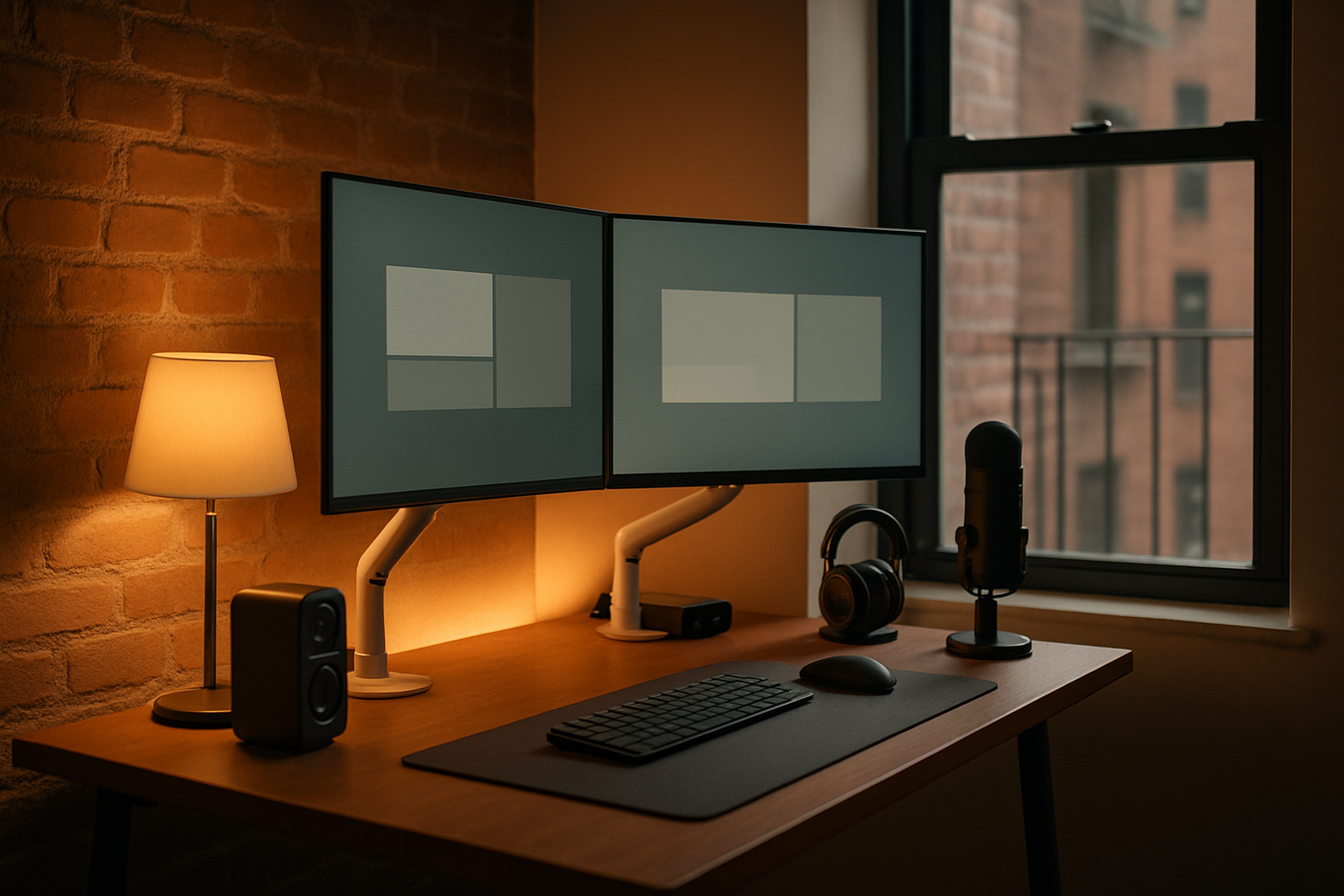
For a long time, I assumed my fatigue was just part of remote work. By 4 PM, my eyes felt dry, my shoulders were creeping up toward my ears, and after back-to-back calls I had that weird combination of being mentally wired and physically drained. In a small NYC home office, the problem gets amplified fast: two monitors, limited desk depth, bad overhead lighting, and audio that makes every meeting feel more tiring than it should. What finally helped was treating my dual-monitor light and audio setup like a workflow problem instead of a shopping problem.
What was actually making me tired
Before pulling out my credit card, I had to figure out what was broken. In my case, it came down to three things.
First, my lighting was uneven. I had bright screens in front of me, but the desk surface and wall around them were comparatively dark. That contrast sounds minor until you spend eight or nine hours staring into it. I kept tweaking monitor brightness when the real issue was the room around the monitors.
Second, my dual-monitor arrangement was eating up too much physical space. In a New York apartment, every inch matters. Two stock monitor stands pushed everything forward, which meant I sat closer than I should have and had less room for a notepad, keyboard positioning, and the little bits of movement that keep a desk from feeling claustrophobic.
Third, my meeting audio was inefficient. I do a lot of analysis work, so my calls are usually dense: numbers, caveats, decisions, action items. If audio is thin, echoey, or inconsistent, I end up concentrating on deciphering voices instead of the actual conversation. That is a real source of meeting fatigue, and it compounds over a week.
So my criteria became pretty simple: better task lighting without taking desk space, cleaner monitor positioning, less visual clutter, and audio that reduced conversational friction. That was the framework. The products came after.
My current dual-monitor light and audio setup
Acer Dual Monitor Arm
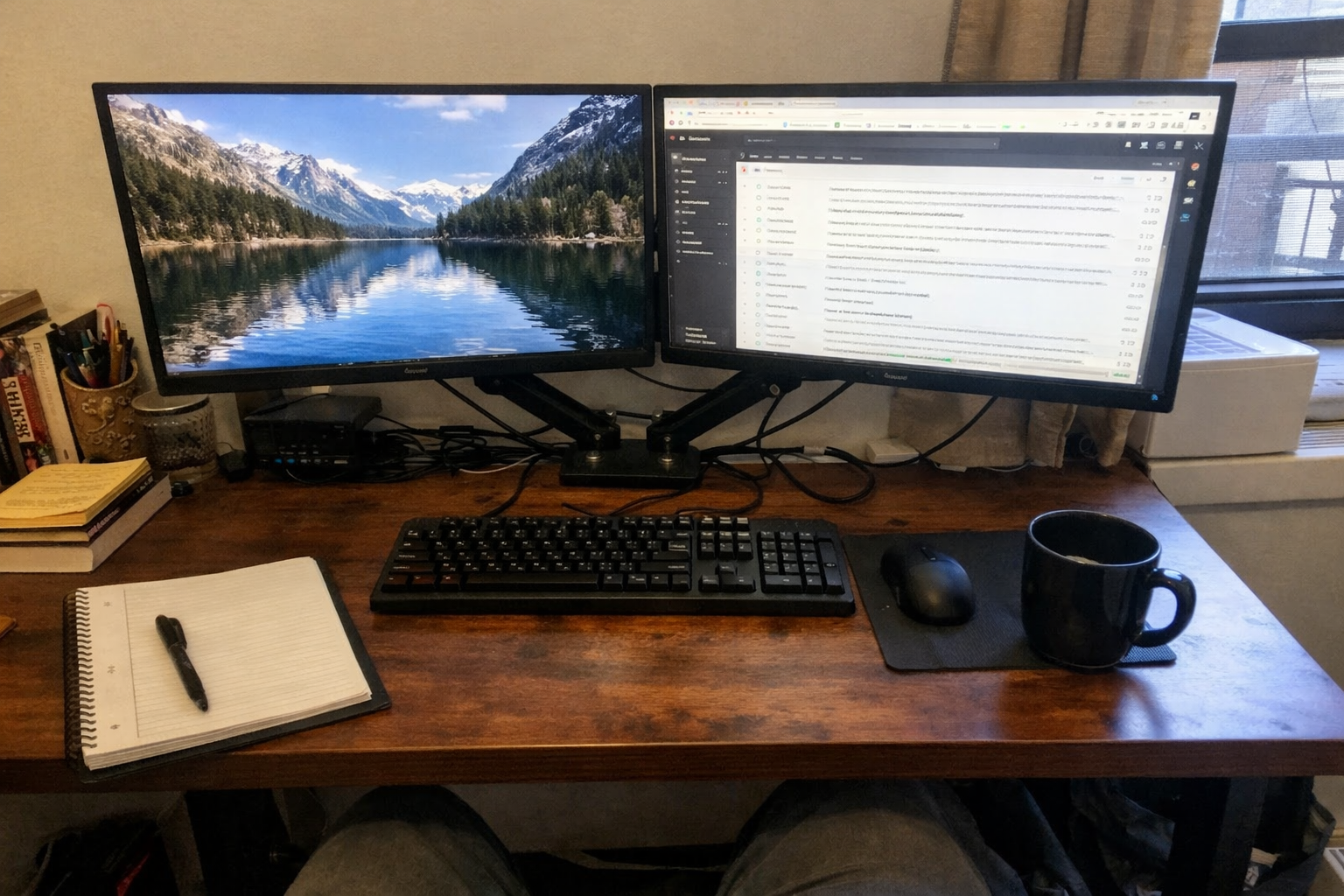
The biggest quality-of-life improvement came from getting both screens off their stock stands. I went with the Acer Dual Monitor Arm because desk space was my bottleneck, not aesthetics. Once I clamped it down and dialed in the height, the whole setup felt less cramped immediately. More importantly, I could place both monitors at a more natural viewing level, which reduced the subtle neck tilt I had normalized for months. If you use a dual-monitor home office setup in a small room, I think the monitor arm is the foundational upgrade, because lighting and audio work better once your screens are positioned correctly.
What I Appreciate
- ✅ Frees up a surprising amount of usable desk depth
- ✅ Easy to fine-tune height and angle once installed
- ✅ Makes dual monitors feel intentional instead of crowded
- ✅ Cable management helps the desk look calmer
What Frustrates Me
- ❌ Initial setup takes patience, especially if your desk is against a wall
- ❌ You need to confirm your desk and monitors actually fit the mount requirements
- ❌ Arm adjustments can take a few tries to balance evenly
VIVO Universal LED Curved Computer Monitor Light Bar
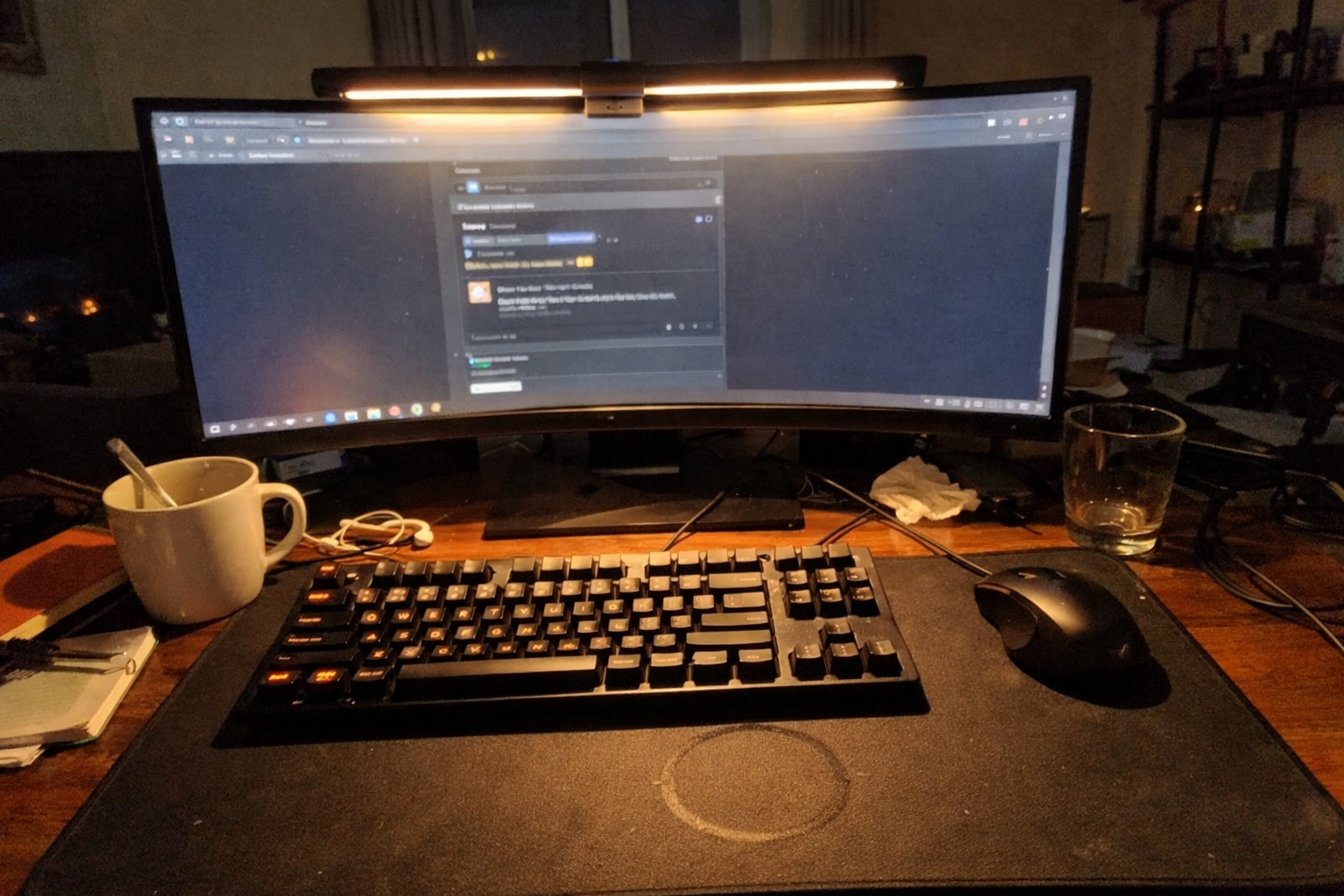
After the monitor arm, the second change was the VIVO monitor light bar. I like this kind of lighting solution for small desks because it doesn’t ask for a lamp footprint. It throws light onto the desk surface instead of blasting my eyes directly, and that matters during long spreadsheet sessions or late-day writing. I’ve been especially sensitive to overhead lighting at night, so having adjustable brightness and color temperature built into the bar made it easier to shift from a cooler daytime look to something warmer in the evening. It’s one of those upgrades that doesn’t feel dramatic on day one, but after a week you notice your eyes feel less cooked.
What I Appreciate
- ✅ Adds usable task light without stealing desk space
- ✅ Adjustable brightness and tone are genuinely useful
- ✅ Low-profile look works well in a compact office
- ✅ Memory settings save time if you keep a preferred lighting level
What Frustrates Me
- ❌ Fit depends on your monitor thickness and shape
- ❌ USB power is convenient, but cable routing still needs attention
- ❌ It improves desk lighting, not overall room lighting, so expectations should stay realistic
TORCHSTAR LED Strip Lights
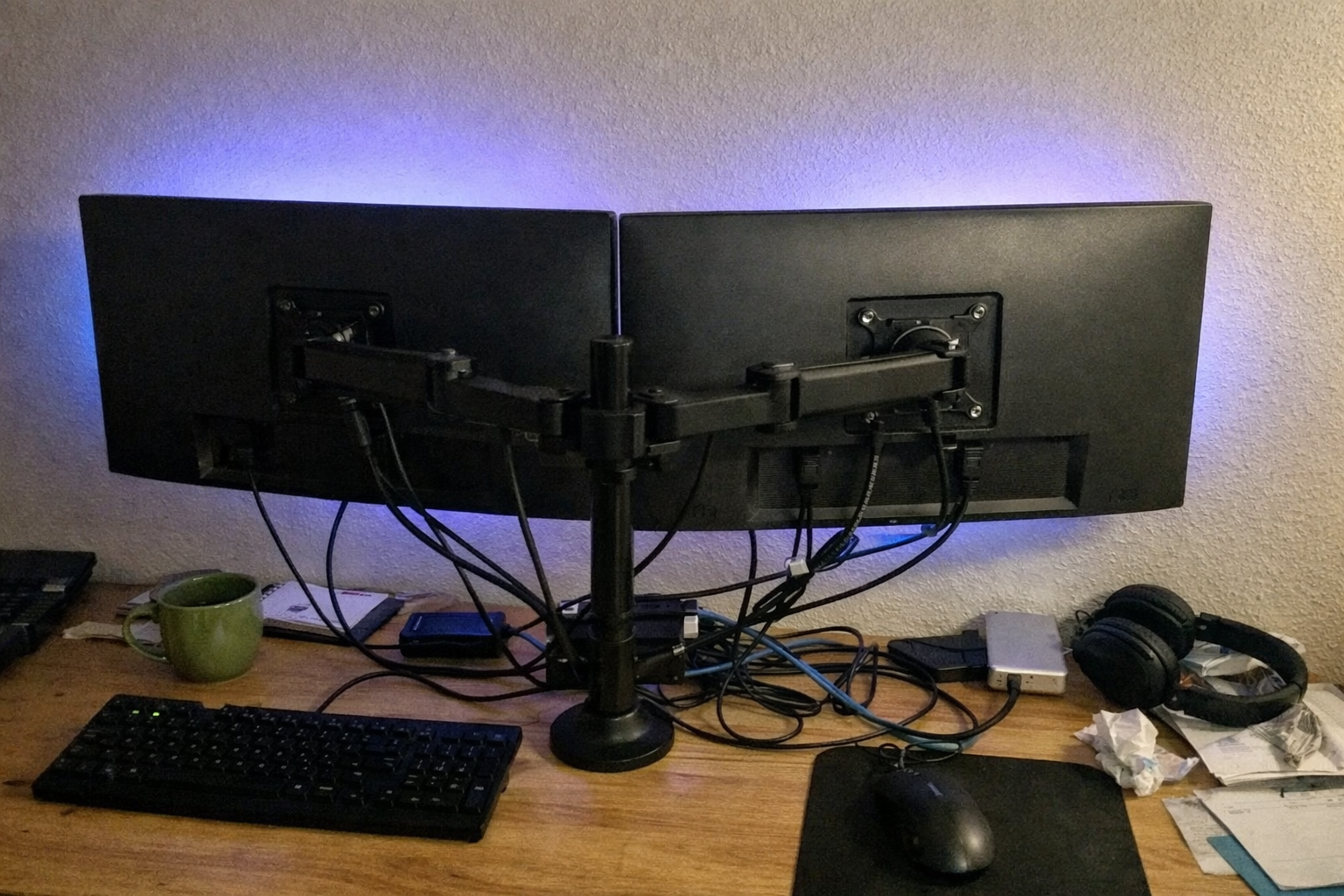
I was skeptical about bias lighting because a lot of setups online lean more “gaming corner” than “working adult who has three meetings before lunch.” But the TORCHSTAR LED strip lights ended up being useful when I kept the effect subtle. The point, for me, was not color drama. It was reducing the harsh contrast between bright monitors and a darker wall behind them. That softer background light makes evening work less visually fatiguing. I mostly prefer a restrained setting rather than cycling colors, but the flexibility is there if you want it for a mixed work-and-entertainment desk.
What I Appreciate
- ✅ Helps reduce screen-to-wall contrast in a dim room
- ✅ Works well behind monitors in a small office
- ✅ Easy enough to install without turning it into a project
- ✅ Can double as ambient lighting after work hours
What Frustrates Me
- ❌ Remote-based control feels a little dated
- ❌ Adhesive placement matters a lot if you want a clean glow
- ❌ Some color modes are more novelty than utility for focused work
Conference Speaker and Microphone
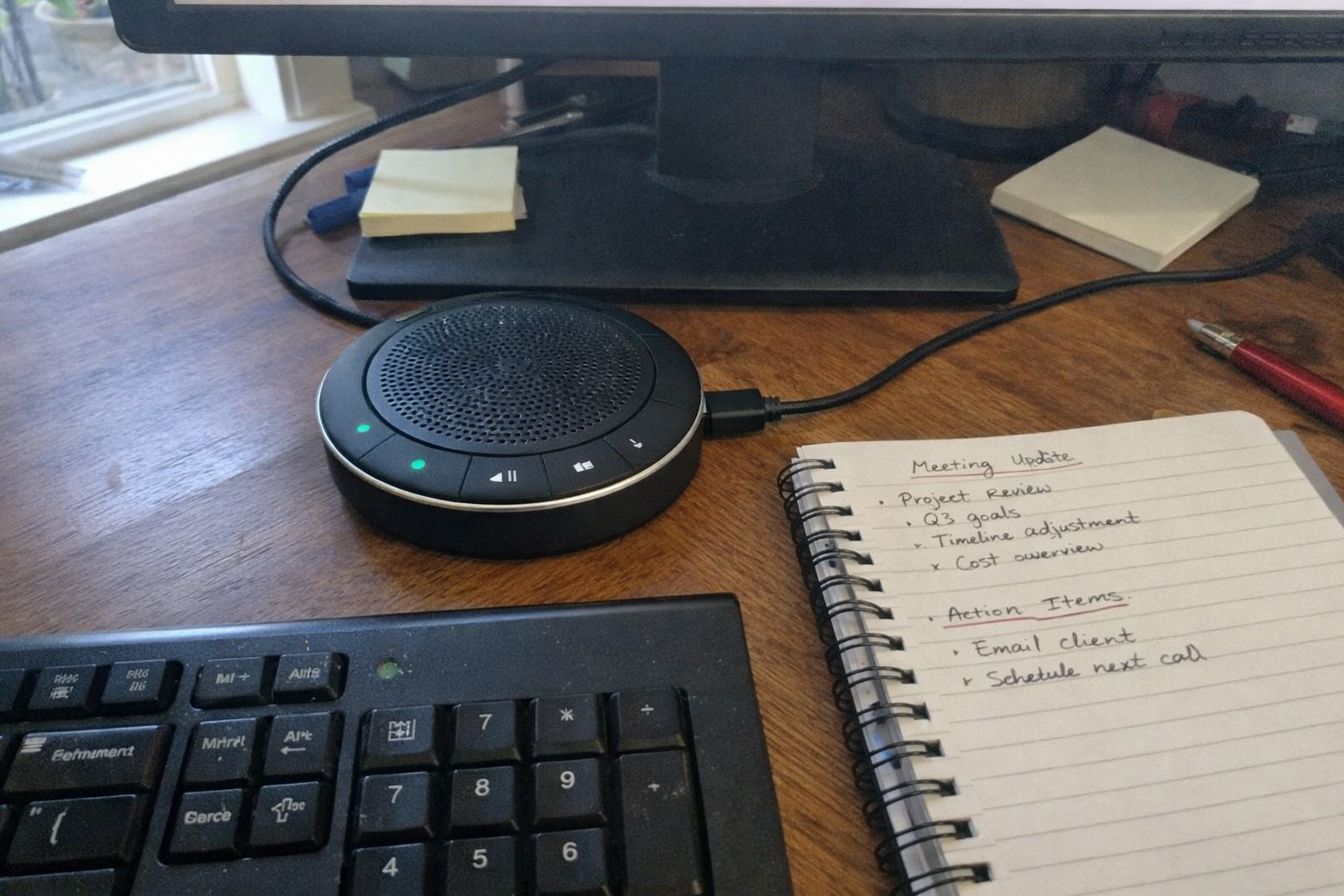
For meetings, I switched to this conference speaker and microphone after getting tired of headset fatigue on long call days. I still use headphones when I need isolation, but for standard internal meetings, having a dedicated speakerphone changed the feel of my workday. The big win is lower friction: I can hear people more clearly, I’m not wearing anything on my head for hours, and the physical mute button is faster than hunting around in software. In a home office audio setup, that matters more than people think. Less fiddling means less cognitive drag.
What I Appreciate
- ✅ More comfortable than staying in headphones all day
- ✅ Simple plug-and-play setup
- ✅ Clear enough for typical remote meetings
- ✅ Physical mute control is practical during busy workdays
What Frustrates Me
- ❌ Not ideal if your apartment is noisy and you need maximum isolation
- ❌ Speakerphones still require decent room acoustics to sound their best
- ❌ It is more functional than luxurious in design
YSAGi Double-Sided Desk Pad
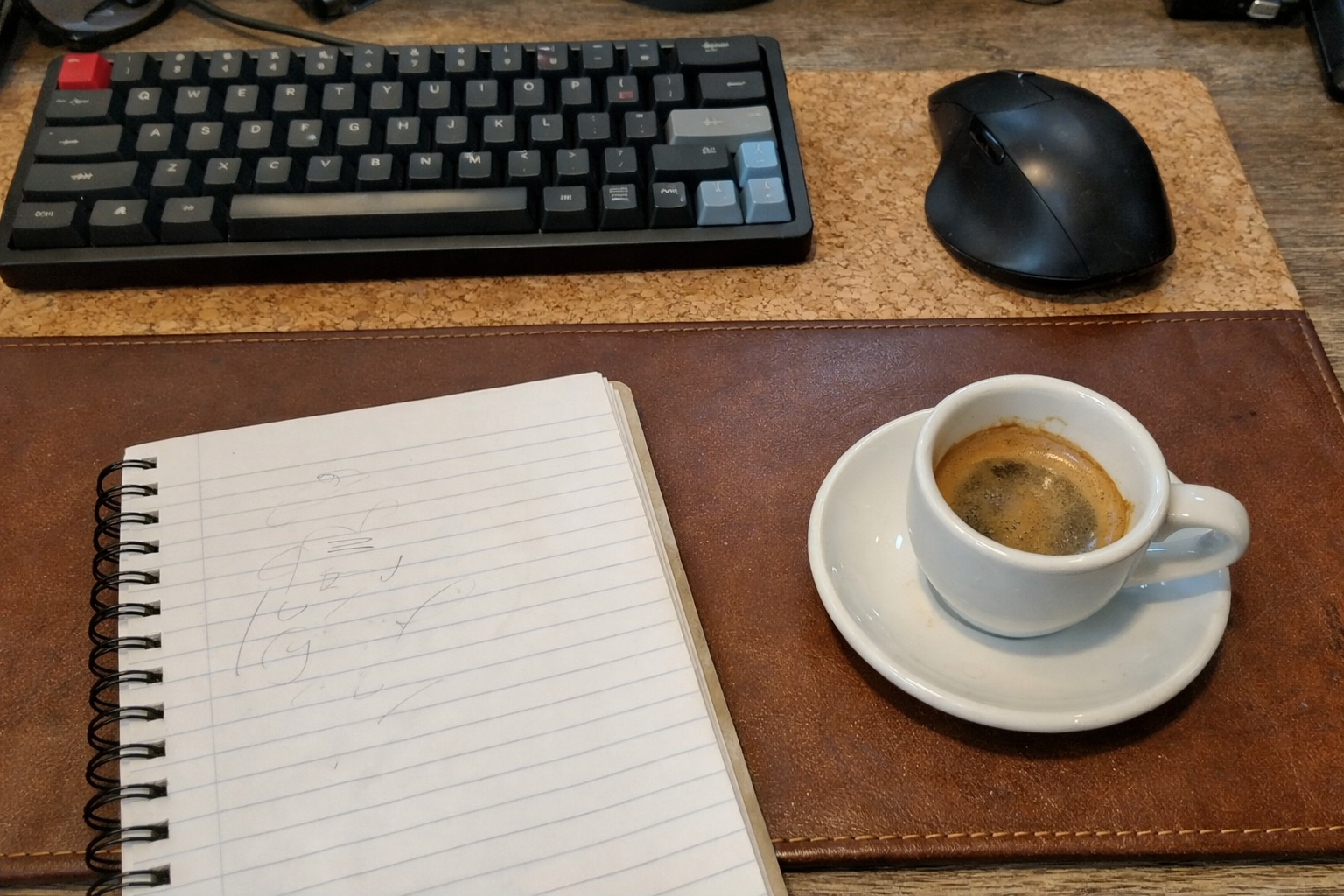
This one is less glamorous, but I think it ties the whole setup together. I added the YSAGi double-sided desk pad because once the monitors were lifted and the lighting improved, I wanted the desk surface itself to feel calmer and more controlled. It gives the mouse a consistent surface, softens the visual noise of the desk, and makes the whole workstation feel more finished. In a small office, that matters psychologically. A cleaner tactile surface subtly reduces friction, especially if you spend all day moving between keyboard, notebook, and mouse. I’ve written before about how small physical upgrades can change how a space works in my recovery-focused home office setup, and this falls into that same category.
What I Appreciate
- ✅ Makes the desk feel more polished without major cost
- ✅ Comfortable surface for mouse and wrists
- ✅ Easy to wipe clean
- ✅ Helps visually unify a compact workspace
What Frustrates Me
- ❌ It will not fix a bad desk layout on its own
- ❌ Some people may prefer a thicker or more rigid surface
- ❌ Color and texture choice matters more than you think in a small room
| Upgrade | What it solved for me | Best if you care most about |
|---|---|---|
| Dual monitor arm | Freed desk space and improved screen positioning | Ergonomics and layout efficiency |
| Monitor light bar | Added task lighting without clutter | Eye comfort during long work sessions |
| Bias lighting | Reduced contrast in evening work | Lower visual fatigue in dim rooms |
| Conference speakerphone | Made meetings less physically annoying | Comfort and easier call flow |
| Desk pad | Improved surface feel and visual calm | Daily usability and cleaner desk presentation |
If I had to prioritize this setup by ROI
If you’re building a premium small home office in stages, I would do this in order: monitor arm first, light bar second, speakerphone third, bias lighting fourth, desk pad fifth. That order reflects impact, not prestige.
The monitor arm changes the physical geometry of the workspace. The light bar improves how the desk feels hour to hour. The speakerphone reduces meeting wear-and-tear. The LED strip lights help most if you work early mornings or evenings. The desk pad is the finishing layer that makes everything feel cohesive.
What I still want to improve
This setup is much better than what I started with, but it is not “done.” I still want to improve room-level lighting so the office feels balanced on darker winter afternoons, and I’m considering some light acoustic treatment to cut down on the hard reflections that make calls sound flatter in a small apartment. I’m also paying more attention to movement breaks, because even the best dual-monitor setup can’t compensate for sitting too long. Better gear helps, but it works best when the room and your habits support it.
💡 The Final Verdict: worth it if your desk has to work hard every day
If you work long hours at a dual-monitor desk, especially in a small NYC apartment where space and lighting are both compromised, I think this kind of setup is absolutely worth building over time. The real value is not that any one product feels luxurious on its own. It’s that the combined effect reduces visual strain, cuts clutter, and makes meetings feel less draining. I would especially recommend it to remote workers, analysts, developers, writers, and anyone who spends most of the day switching between focused screen work and video calls. If your current setup leaves you tired but you can’t quite explain why, this is the category of upgrade I’d look at first.
Disclaimer: As an Amazon Associate, I earn from qualifying purchases.
Author
-

Hi, I’m Mateo — a remote business analyst and workspace consultant based in New York City.
I started this blog out of a long-term interest in productivity, ergonomics, and the tools that make daily work more efficient. Over the years, I’ve spent a lot of time refining my own setup and comparing different products, from premium office furniture to mechanical keyboards and coffee equipment for the home office. What began as a personal habit turned into a more structured way of reviewing and analyzing workspace gear.
This blog focuses on premium productivity tools and ergonomic equipment, with an emphasis on performance, build quality, durability, and long-term value. I cover products like standing desks, ergonomic chairs, multi-monitor setups, keyboard components, and high-end coffee machines, always with attention to how they hold up in real working conditions.
My approach is straightforward and detail-oriented. I look at products the same way I look at systems: by evaluating trade-offs, comparing alternatives, and asking whether the higher price is actually justified. That means I often compare premium products against strong mid-range options, break down the pros and cons clearly, and focus on return on investment rather than hype.
Outside of work, I’m interested in custom mechanical keyboards, espresso, and indoor cycling — all things that, in different ways, involve precision, consistency, and incremental improvement.
If you’re building a workspace that is comfortable, functional, and designed to last, this blog is for you.

Leave a Reply