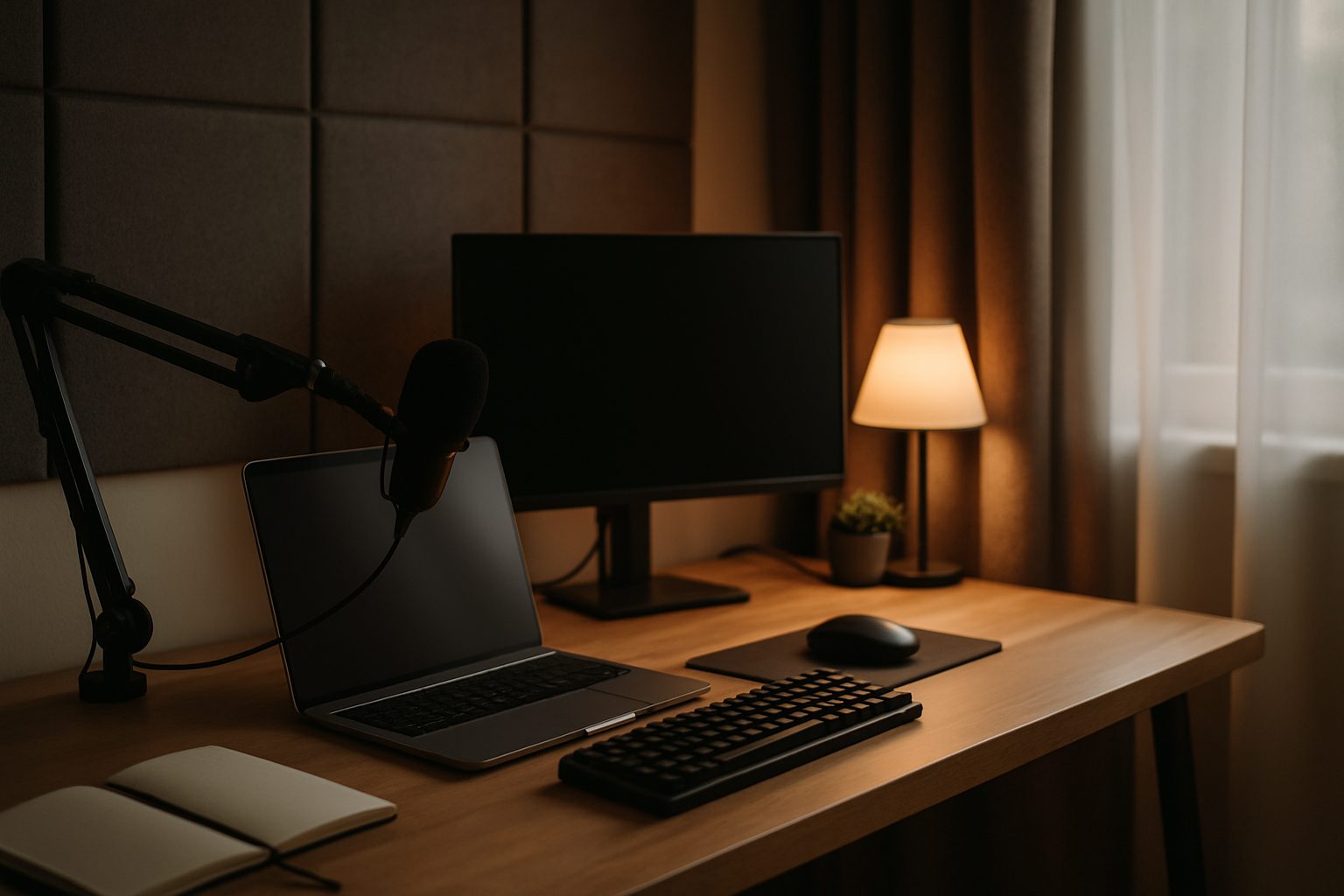
For a long time, I thought my home office problem was just “normal house noise.” A dishwasher running downstairs, footsteps in the hallway, my own keyboard echoing off the wall, cables brushing my feet, a desk lamp blasting light straight into my eyes at 11:30 PM—none of it felt disastrous on its own. But once I started doing more video calls during the day and more after-hours IT work at night, I realized all those little annoyances were stacking up into one big problem: I couldn’t stay focused, and I definitely didn’t sound as polished on calls as I thought I did.
I didn’t fix this by turning one spare room into some fake YouTuber studio. I fixed it the way I handle most home tech projects—one weak point at a time. Desk position. Cable mess. Light control. Echo. Screen height. Once those pieces were handled, the room got a whole lot calmer without feeling precious or overbuilt.
What Was Actually Making the Room Feel Loud
Before pulling out my credit card, I had to be honest about what “quiet” meant in a real house. In my case, I wasn’t trying to make the room soundproof. That word gets abused a lot. Most of us are not building a vocal booth inside a Seattle bungalow. What I really needed was less visual clutter, less reflected noise, less desk vibration, and better control over the things that made me feel overstimulated by the end of the night.
The biggest realization was that noise isn’t just sound pressure. It’s also friction. A monitor sitting too low makes you tense up. Loose cords under the desk brush your legs and catch your feet. A harsh overhead light makes nighttime work feel more exhausting than it should. Bare walls bounce your own voice back at you on calls. So my goal became simple: reduce distractions that my body and brain were constantly reacting to.
I also learned the difference between stopping noise and softening a room. Most affordable office upgrades won’t block a barking dog or a garbage truck. But they can absolutely cut down on echo, visual chaos, and that hollow, “why does my microphone sound like I’m in a kitchen?” effect. That’s the level where these upgrades actually helped me.
The Upgrades That Actually Changed the Room
ErGear Single Monitor Arm
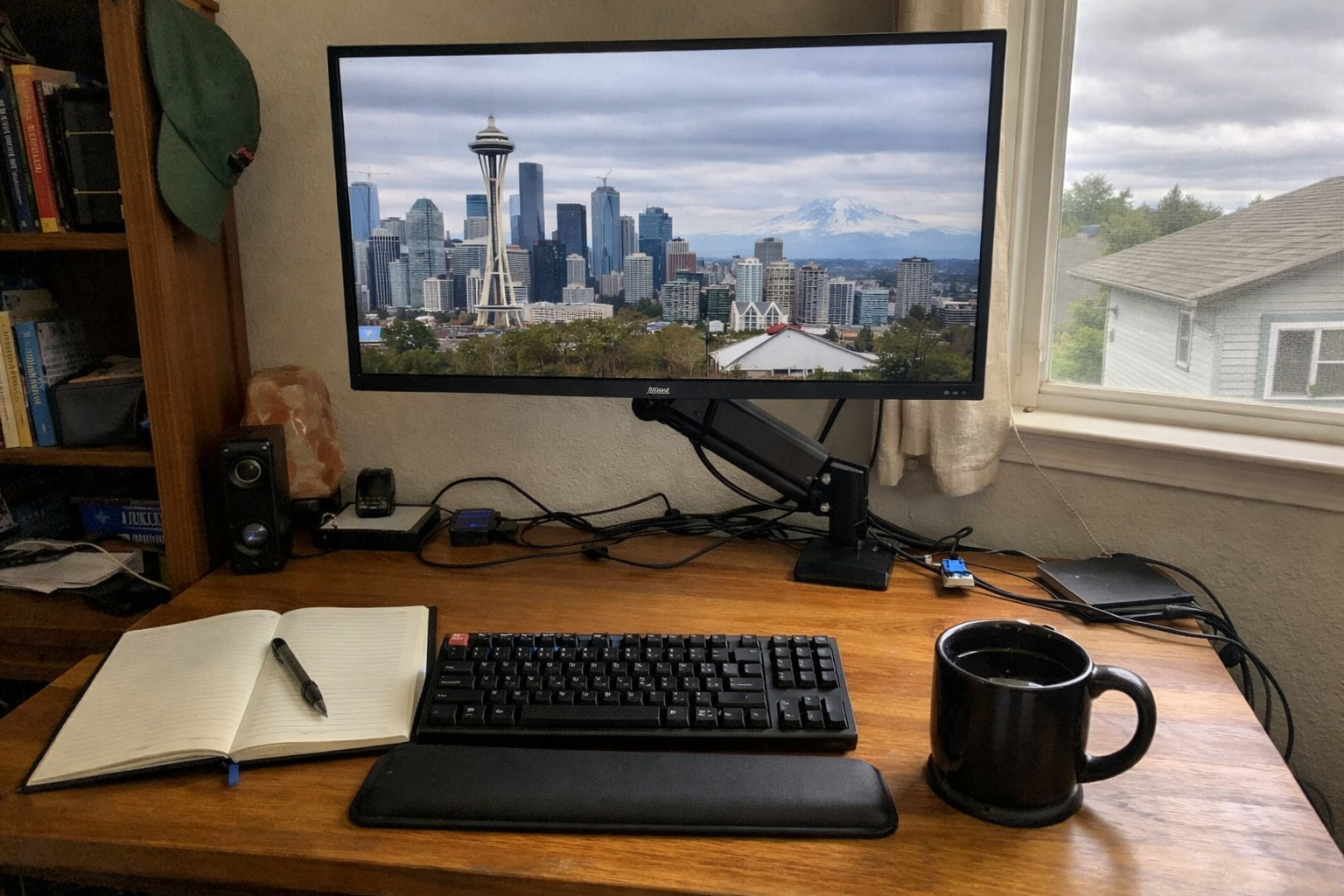
I didn’t expect a monitor arm to help the room feel quieter, but it honestly did. Getting my screen off the desk with the ErGear Single Monitor Arm cleaned up the whole work surface and stopped that cramped feeling I’d been tolerating for too long. Installation was straightforward, and I appreciated that the VESA mount was less fiddly than some of the bargain-bin arms I’ve wrestled with in the past. Once I got the monitor up to eye level, my shoulders relaxed, my webcam angle improved, and I had actual space underneath for the small gear that used to just drift around my desk.
What I Appreciate
- ✅ Stable enough that my screen doesn’t wobble every time I type like I’m on a help desk fire drill
- ✅ Frees up desk space immediately
- ✅ Easy cable routing along the arm keeps the setup looking cleaner on camera
- ✅ Height and reach adjustments made my late-night posture much better
What Frustrates Me
- ❌ You still need to double-check your desk thickness and monitor weight before ordering
- ❌ Like most monitor arms, getting the tension dialed in the first time takes a little trial and error
25-Inch Under-Desk Cable Management Tray
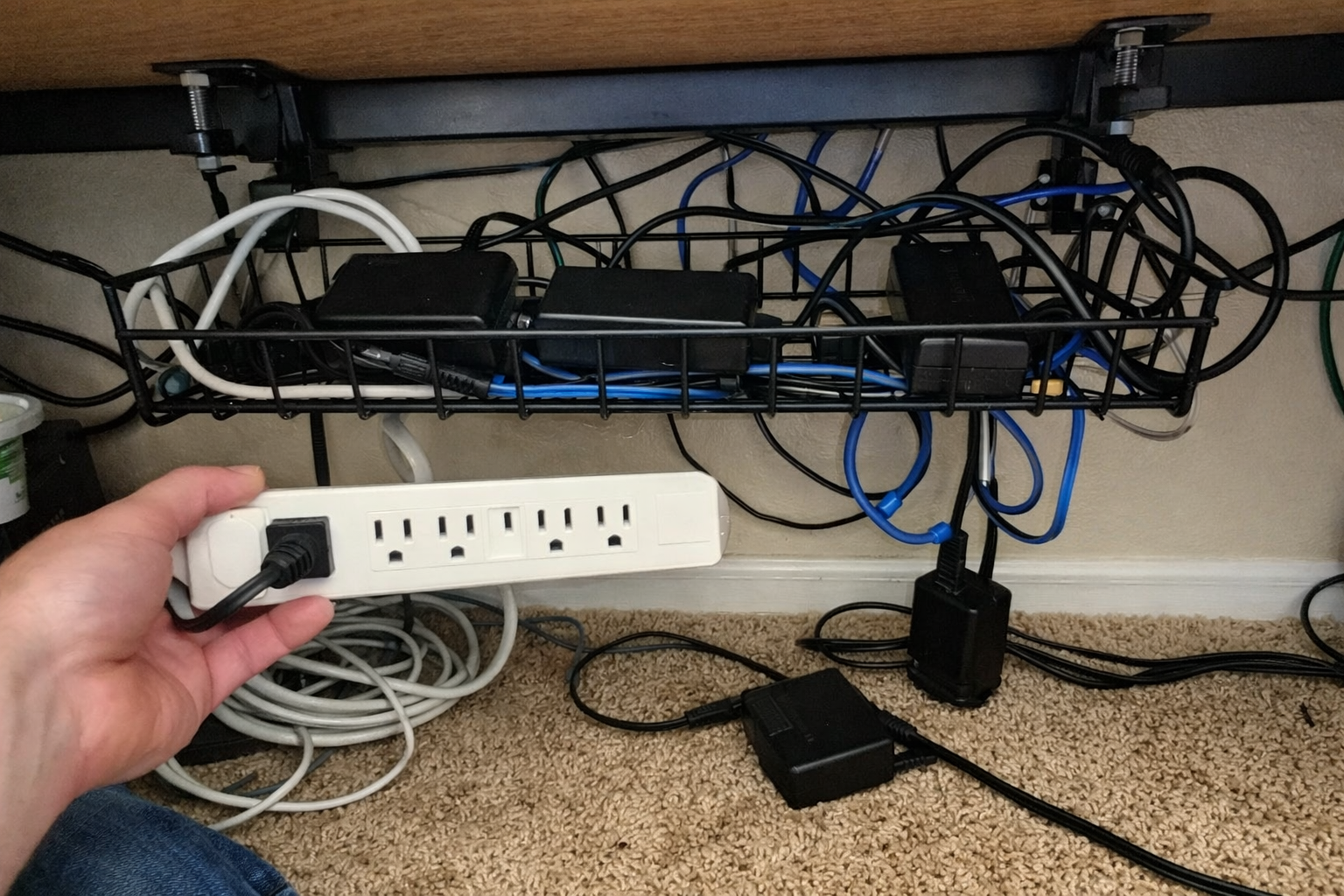
If your office feels stressful, look under your desk before you do anything expensive. I’m serious. The 25-inch under-desk cable management tray did more for my peace of mind than some “premium productivity” gear ever has. I liked that it clamps on without drilling, because I’m not interested in turning every desk into a permanent construction project. I used it to get the power strip, excess cord length, and a couple ugly adapters off the floor. Once that junk wasn’t dangling near my feet, the room instantly felt less chaotic.
It also helped with call quality in a weird indirect way: I stopped bumping cables, brushing cords with my legs, and accidentally tugging things mid-meeting. That kind of physical annoyance adds up fast when you’re trying to troubleshoot somebody’s VPN issue at 10 PM.
What I Appreciate
- ✅ No-drill clamp design is apartment- and sanity-friendly
- ✅ Big enough for a power strip plus the usual mess of adapters and slack cable
- ✅ Metal construction feels sturdier than the flimsy plastic organizers I’ve tried before
- ✅ Keeps cords off the floor so the whole office looks less like an IT closet exploded
What Frustrates Me
- ❌ You do have to assemble the two tray sections together first
- ❌ If your power bricks are especially chunky, you’ll need to plan the layout instead of just stuffing everything in there
Acoustic Desk Privacy Panels
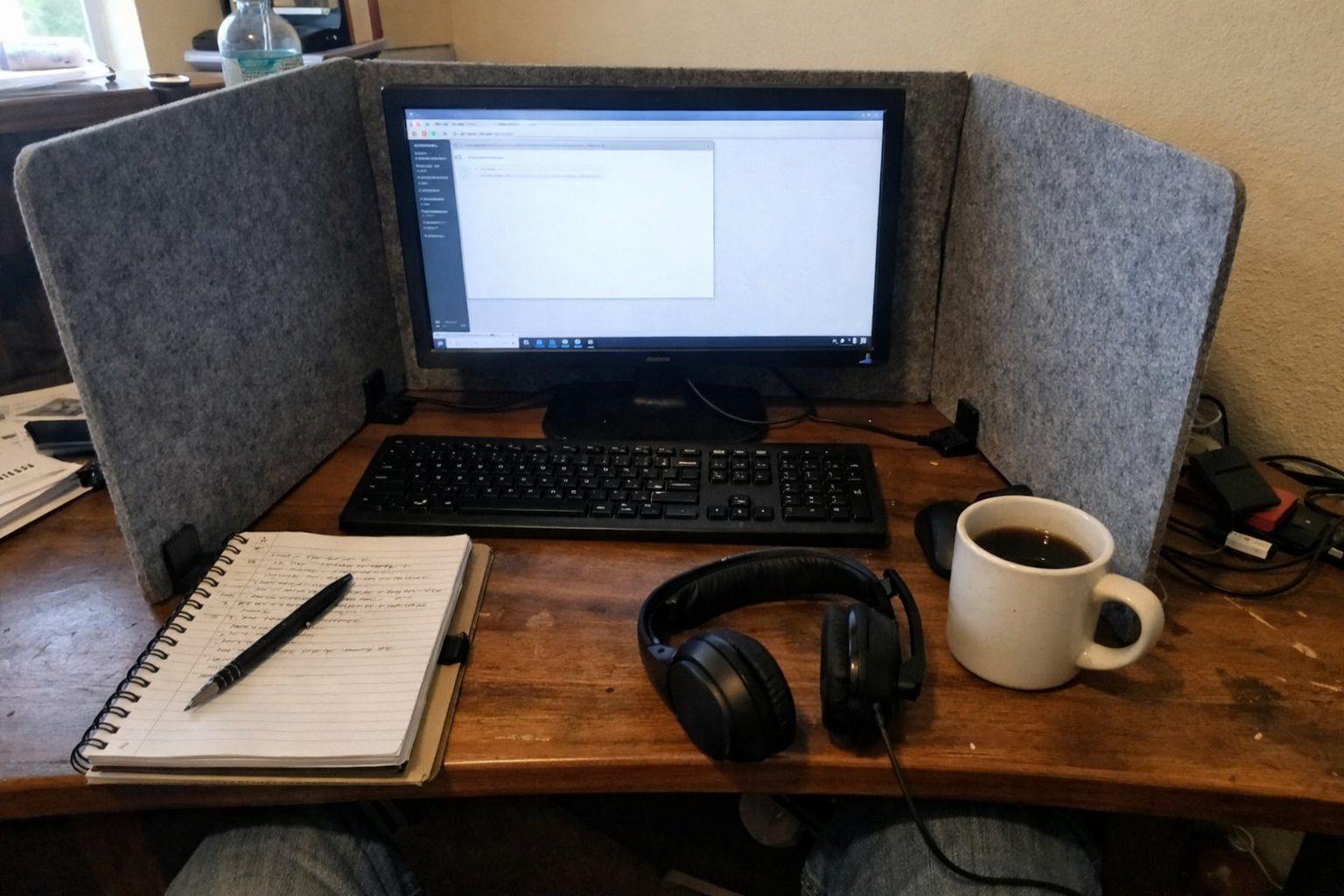
This was one of those purchases I half expected to return, but the acoustic desk privacy panels ended up staying. They don’t magically erase household noise, so let’s be honest about that up front. What they did do was reduce some of the bounce and splash of my own voice around the desk area, especially when I was on calls in a room with too many hard surfaces. They also created a little visual boundary around the workspace, which matters more than people think when you’re trying to stay locked in after everyone else in the house is winding down.
I set them up as a partial wrap near the sides of the monitor rather than making some weird cubicle. That gave me a more contained sound around my mic and a more focused feeling without making the room look depressing.
What I Appreciate
- ✅ Easy way to soften echo right at the desk where your microphone actually is
- ✅ Freestanding design makes them simple to move around and test
- ✅ Useful visual barrier for concentration during night work
- ✅ Felt finish looks cleaner than cheap foam blocks scattered everywhere
What Frustrates Me
- ❌ They help with reflections, not true soundproofing
- ❌ The look is functional, not exactly beautiful unless you’re okay with office-style accessories at home
Clamp-On LED Desk Lamp
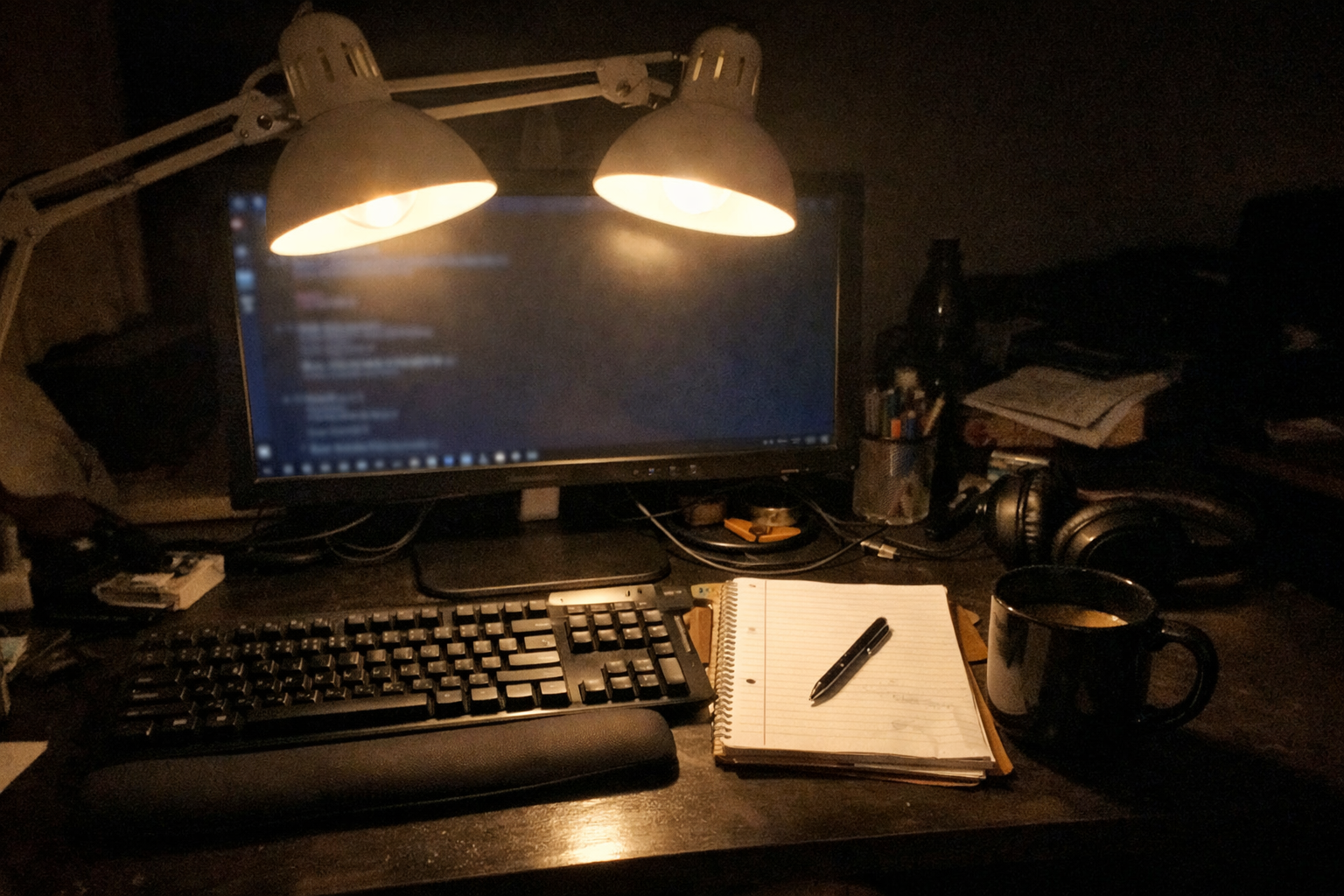
Lighting changed my nighttime work more than I expected. I swapped out my old uneven lamp for this clamp-on LED desk lamp, mainly because I wanted wide, adjustable light without giving up desk space. The dual-head design turned out to be the big win. I can spread light across the desk and keyboard instead of blasting one hot spot into my face. For late-night tickets, cable work, or documenting hardware changes, that matters a lot.
I usually keep it on a warmer setting at night so the room doesn’t feel like a dentist office. The clamp mount also works nicely with the monitor arm setup, because nothing is fighting for surface space. It’s one of those upgrades that makes the room feel calmer even though it’s technically brighter.
What I Appreciate
- ✅ Wide, even light coverage is much easier on my eyes during long sessions
- ✅ Clamp mount keeps the desktop clear
- ✅ Adjustable color temperature is genuinely useful at night
- ✅ Flexible arms make it easy to avoid screen glare on video calls
What Frustrates Me
- ❌ It takes a few days of fiddling to find the right angle and brightness combo
- ❌ The design is practical more than stylish
Self-Adhesive Acoustic Wall Panels
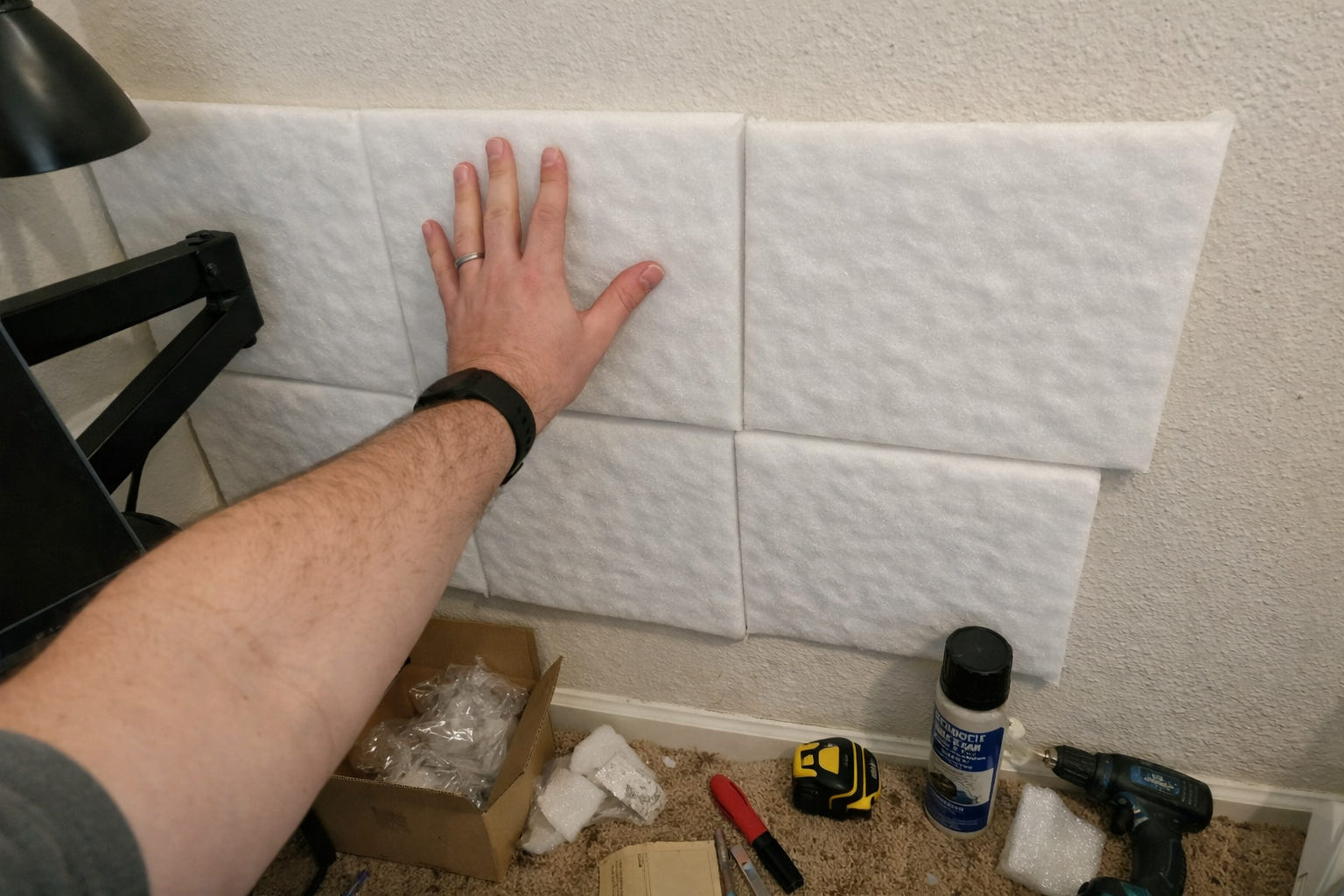
The self-adhesive acoustic wall panels were the most direct sound treatment I added, and they made the room sound less hollow on calls. Again, I’m not going to pretend thin wall panels make outside noise disappear. But if your office has bare walls and your voice sounds splashy or boxy in meetings, these help. I put them on the wall near and slightly behind my desk rather than trying to cover every square inch like a studio build.
What improved most was the echo I heard from my own voice and keyboard. The room just felt less reflective. Installation was simple enough, though I still took my time laying out the pattern first because adhesive-backed anything has a way of becoming permanent the second you get cocky.
What I Appreciate
- ✅ Noticeably reduces room echo in a simple home office
- ✅ Easy DIY install without turning it into a weekend remodel
- ✅ Lightweight and easy to cut or arrange around the desk area
- ✅ Helps video calls sound more controlled and less hollow
What Frustrates Me
- ❌ This is acoustic treatment, not true sound blocking
- ❌ You need to think about placement, otherwise you can waste panels on spots that don’t matter much
What Helped the Most for Quiet Versus Comfort
| Upgrade | Best For | Biggest Impact I Noticed | Worth Doing First? |
|---|---|---|---|
| Monitor arm | Desk ergonomics and visual calm | Less tension, cleaner video-call framing | Yes, if your monitor is eating desk space |
| Under-desk cable tray | Reducing clutter and physical distraction | Less chaos underfoot, cleaner setup overall | Absolutely |
| Desk privacy panels | Softening nearby reflections and creating focus | More contained desk zone, slightly better mic environment | Maybe, if your room feels open and echoey |
| LED desk lamp | Late-night comfort and screen-friendly lighting | Less eye strain, better mood at night | Yes, if you work after dark |
| Acoustic wall panels | Reducing room echo on calls | Less hollow sound from my voice and keyboard | Yes, if your office has lots of hard surfaces |
What I Still Want to Improve
This setup is better, but it’s not the final form. I still want to work on the door area, because that’s one of the weakest points for sound leakage in most home offices. I’m also experimenting with microphone placement and maybe a softer floor layer under the desk to cut a little more reflected noise. That’s usually how these rooms evolve—once the obvious problems are solved, you start noticing the smaller ones.
My bigger goal is keeping the office usable across two very different modes: daytime calls where I need to look and sound professional, and late-night admin work where I need the room to stay comfortable enough that I’m not wiped out after an hour. Right now, this setup gets me a lot closer to both.
💡 The Final Verdict: Quiet Comes More From Control Than From Expensive Gear
If your home office feels noisy, I think this kind of setup is absolutely worth the time and money—but only if you go into it with realistic expectations. You’re not buying silence. You’re building a room that feels less distracting, sounds less echoey, and works better when you’re on camera or grinding through late-night tasks. For remote workers, IT folks, and anybody taking frequent calls from a normal lived-in home, these upgrades make a noticeable difference without requiring a full renovation.
Author
-

Hi, I’m Andrew — an IT support specialist, smart home consultant, and someone who has spent more time than I’d probably admit fixing, upgrading, and reorganizing tech around the house.
I’m based in Seattle, and this blog grew out of years of hands-on trial and error with smart home gear, home lab setups, repair tools, and all the little accessories that make a system easier to live with. I’ve always liked understanding how things work, taking them apart when necessary, and finding better ways to set them up the second time around.
Here, I write about smart home products, DIY tech tools, server rack accessories, cable management solutions, and display gear for collectibles. Most of what I cover is practical, everyday equipment — the kind of stuff that sounds simple until you actually have to install it, troubleshoot it, or live with it for a few months.
My approach is straightforward and honest. I like step-by-step setup, real-world testing, and explaining what a product is actually like to use, not just what the box promises. That includes calling out flimsy materials, bad instructions, confusing installation, or design choices that make no sense once you start working with the product. If something is well made and easy to use, I’ll say that too.
A lot of my reviews come from real projects at home — building out servers, improving smart home automation, cleaning up cable messes, repairing devices, and figuring out better ways to store and display the things I care about.
If you like practical gear, clear explanations, and honest feedback from someone who actually installs the stuff himself, you’ll probably feel at home here.

Leave a Reply